A clear scene-by-scene workspace
Edit and reorder scenes, adjust their duration and attach reference files. Choose storyboard format and production settings in one place.
Work through narration, visual direction, timing and references scene by scene. Keep the latest draft safe and return to an earlier version when the story changes.
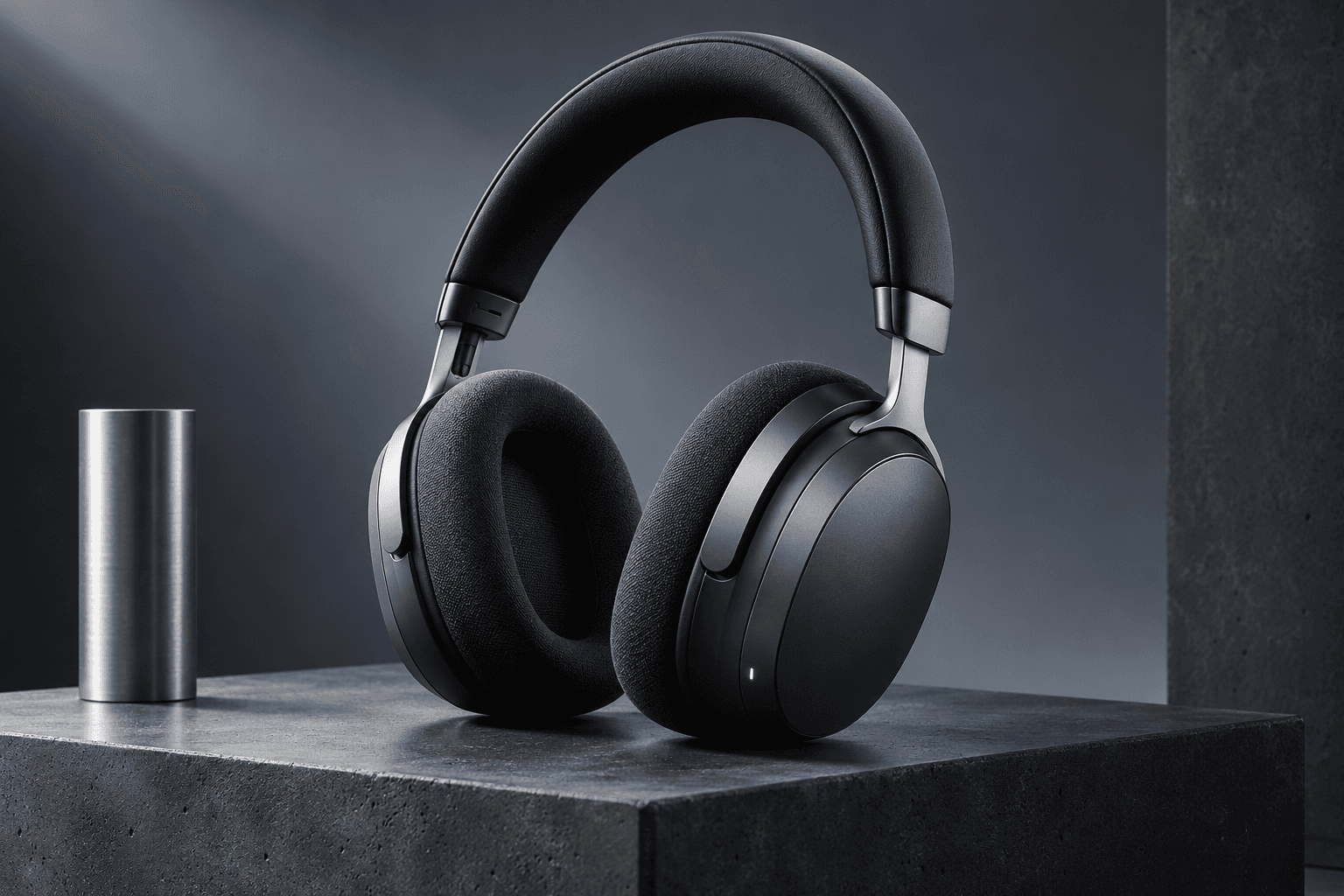 Product launch.
Meet the Aster studio headphones. A graphite finish and over-ear silhouette bring the design into focus.
Visual directionGraphite headphones against a neutral studio background. Controlled key light and a precise product close-up.
Edit and reorder scenes, adjust their duration and attach reference files. Choose storyboard format and production settings in one place.
Automatic saves, version history and revision checks help you work without overwriting a newer draft. Duplicate and archive projects for another direction.
The current preview produces HTML storyboards, JSON and SRT subtitles. Task progress, cancellation, retry and credit quotes are already part of the workflow.
Start from an approved planning draft, a topic or your own script.
Shape scenes, timing, narration and references.
Save the revision, review it and export the available storyboard formats.
Keep the facts, drafts, people and approved version in one workspace.
Start a free previewOr explore the sample